Registering End Users
As described in Reseller Overview, Resellers must register end users and companies before placing orders on their behalf. This ensures SatVu can complete KYC checks priors to order placement.
This tutorial guides through how to register new end users using either the Web App or the Reseller API.
All registered Users are registered to your Account, not to specific contracts. This means that once each user has been registered, orders can be placed on any of the reseller contracts you may have access to.
An order cannot be placed for a customer until the user has been registered, and KYC has been approved.
Creating new end users through the Web App
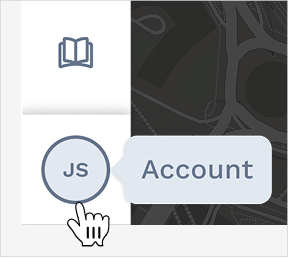
To register new end users in the SatVu Web App, access Account Settings through the Profile menu:
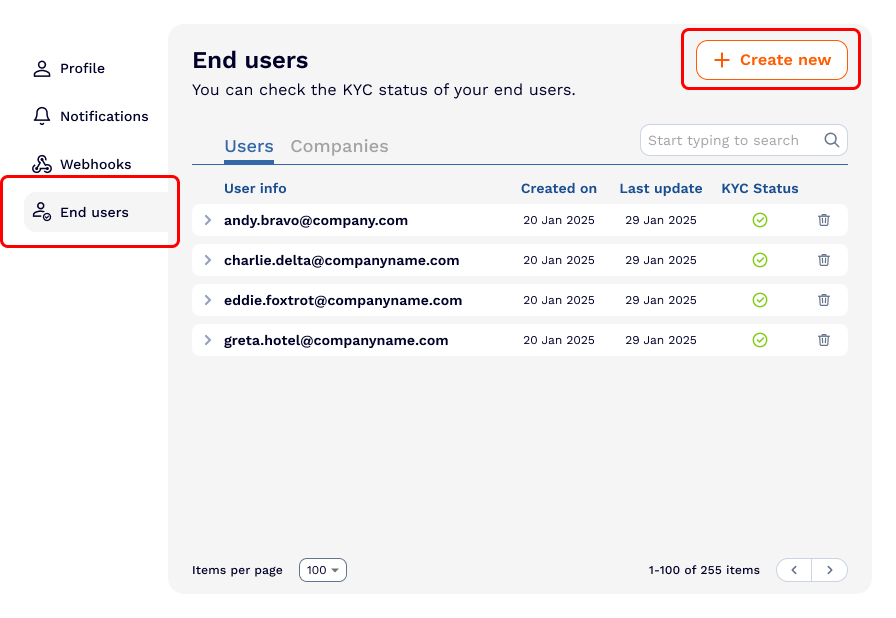
Select the End Users section and click the Create new button
Selecting or creating a company
Begin by selecting the company associated with your end users. As you type in the search field:
- Existing companies will appear in the dropdown if they have been previously registered
- New companies can be created by selecting the "+ Create [Company name] as new company" option
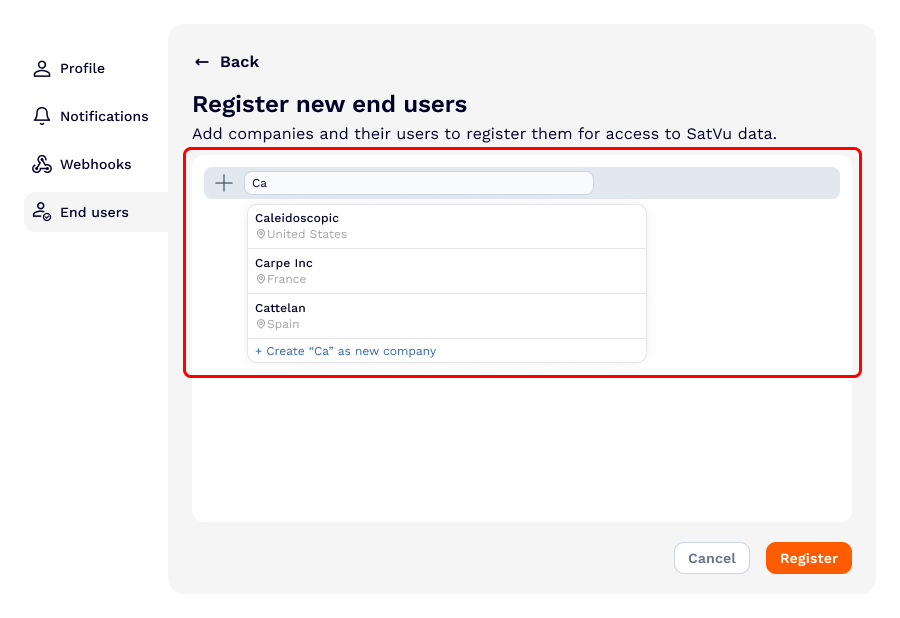
For newly created companies, you will need to specify the company's country from the dropdown menu. For existing companies, the country will already be populated.
Multiple companies can be registered in a single request by using the + Add company button after filling in the first company's details
Adding end users
For each company, add the end users who should be registered:
- Enter the user's full name in the name field
- Enter the user's email address in the email field
- Click + Add user to register additional users for the same company
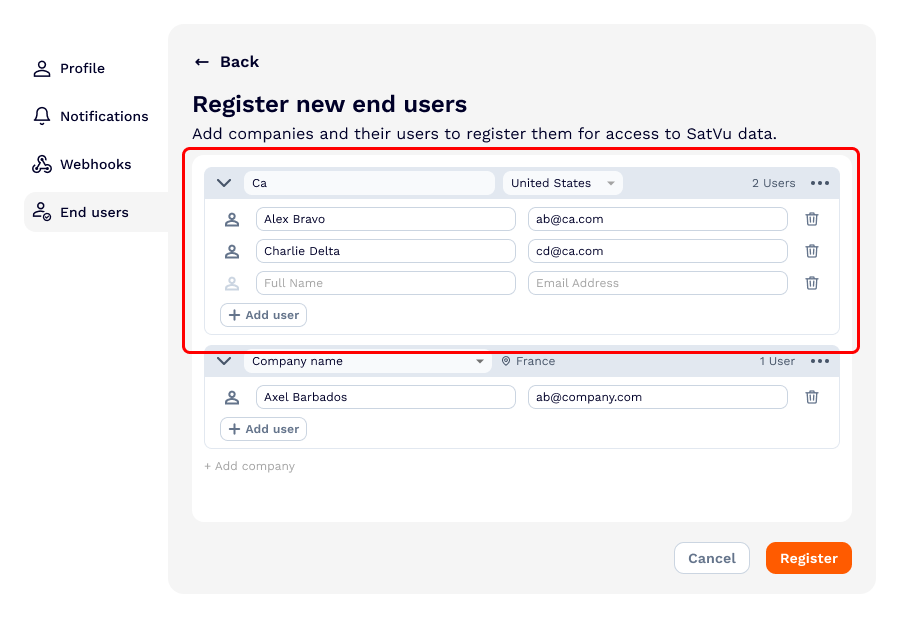
Users can be removed at any time before submission by clicking the trash icon next to their details.
Email addresses must be valid. The system will display an error if an invalid email format is detected
Submitting the registration
Once all companies and users have been added:
- Review the information for accuracy
- Click Register to submit the request
The system will validate all entries and display errors for any issues that need to be corrected before submission.
After successful submission, the newly registered users will appear in your End users list with their initial KYC status. Most KYC reviews are completed within 5 minutes, though some cases may take 1-3 business days.
Creating new end users through the API
The creation of a new end user can be done through the Reseller API.
using the POST /user endpoint.
To access the Reseller API, you must have access to at least one reseller contract. If you do not have access to any reseller contracts, you are not permitted to purchase data on behalf of other individuals.
The following example shows a request to create a new end user:
export ACCESS_TOKEN="xxx…xxx"
curl -X POST "https://api.qa.satellitevu.com/resellers/v1/user"
-H "Authorization: Bearer ${ACCESS_TOKEN}"
-H "Content-Type: application/json"
-d '[
			{
			"user_email": "name@email.com",
			"user_name": "User name",
			"company_name": "Company name",
			"company_address": {
				"country_code": "GB",
				"postcode": "J1 ABC",
				"street": "1 Example Lane"
				}
			}
		]'
The information should be passed in as follows:
| Field | Required | Type | Description |
|---|---|---|---|
user_email | Required | string | The email address of the user. |
user_name | Required | string | The full name of the user. |
company_name | Required | string | The name of the user’s company |
country_code | Required | string | The 2 digit country code, as per ISO specification |
postcode | Optional | string | Postcode / zip code of the company |
street | Optional | string | Street address of the company |
Here is an example of the response, containing information on the KYC status of both the user and the company:
[
  {
    "company_kyc_status": "Not completed",
    "company_kyc_completed_on": null,
    "company_id": "3900dd19-c402-4b0b-ae57-9f3e137f2250",
    "company_name": "COMPANY NAME",
    "company_address": {
      "country_code": "GB",
      "postcode": "J1 ABC",
      "street": "1 Example Lane"
    },
    "user_kyc_status": "Not completed",
    "user_kyc_completed_on": null,
    "user_email": "name@email.com",
    "user_name": "USER NAME",
    "user_id": "c4a25e7c-8a0a-46fd-95e9-0e8c1b4418d7"
  }
]